Home – Blog
Every 39 seconds, a cyberattack occurs somewhere on the internet. And in 2026, WordPress websites are the single most targeted platform in the world.
You may have heard that WordPress is secure. And it is when it is properly maintained and configured. But most WordPress websites are not properly maintained. And that gap between ‘secure by design’ and ‘secure in practice’ is exactly where hackers live.
Whether you run a small business website, a WooCommerce store, or a professional blog, your WordPress site has a target on its back. In this guide, we break down exactly why WordPress is a top hacker target in 2026, what the biggest threats are, and most importantly how to protect yourself with a complete, actionable security checklist.
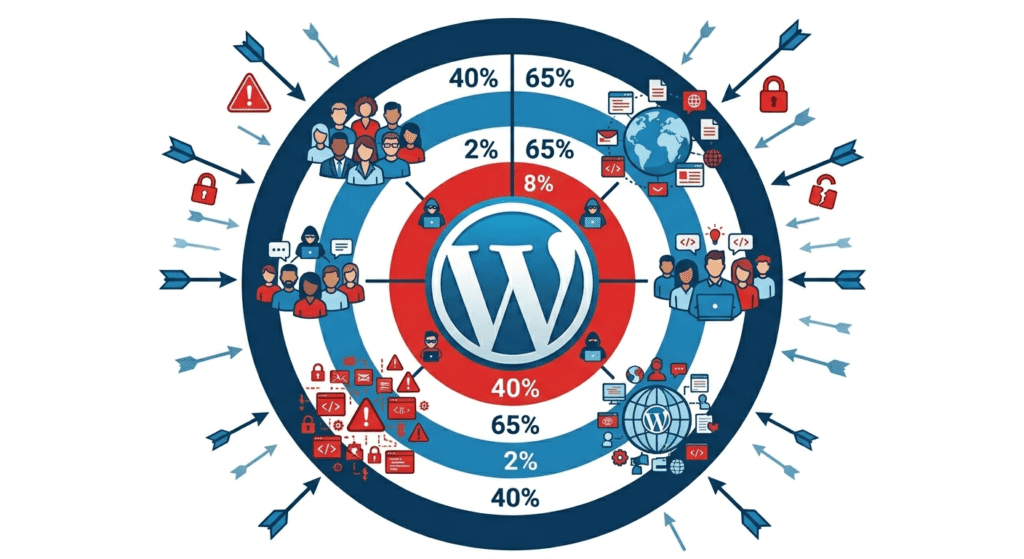
Before we talk about solutions, let us understand the scale of the threat:
|
Statistic
|
What It Means
|
|---|---|
|
30,000+
|
Websites hacked every single day globally
|
|
90%
|
Of CMS hacks target WordPress sites specifically
|
|
43%
|
Of all cyberattacks target small businesses
|
|
Rs. 35L+
|
Average cost of a data breach for small business
|
|
97 seconds
|
Average time for a new WordPress site to be scanned by bots
|
|
60%
|
Of small businesses close within 6 months of a major attack
|
Security researchers have found that a new, unprotected WordPress site receives its first automated bot scan within 97 seconds of going live. You are not waiting for hackers to find you — they already have bots that find you automatically.
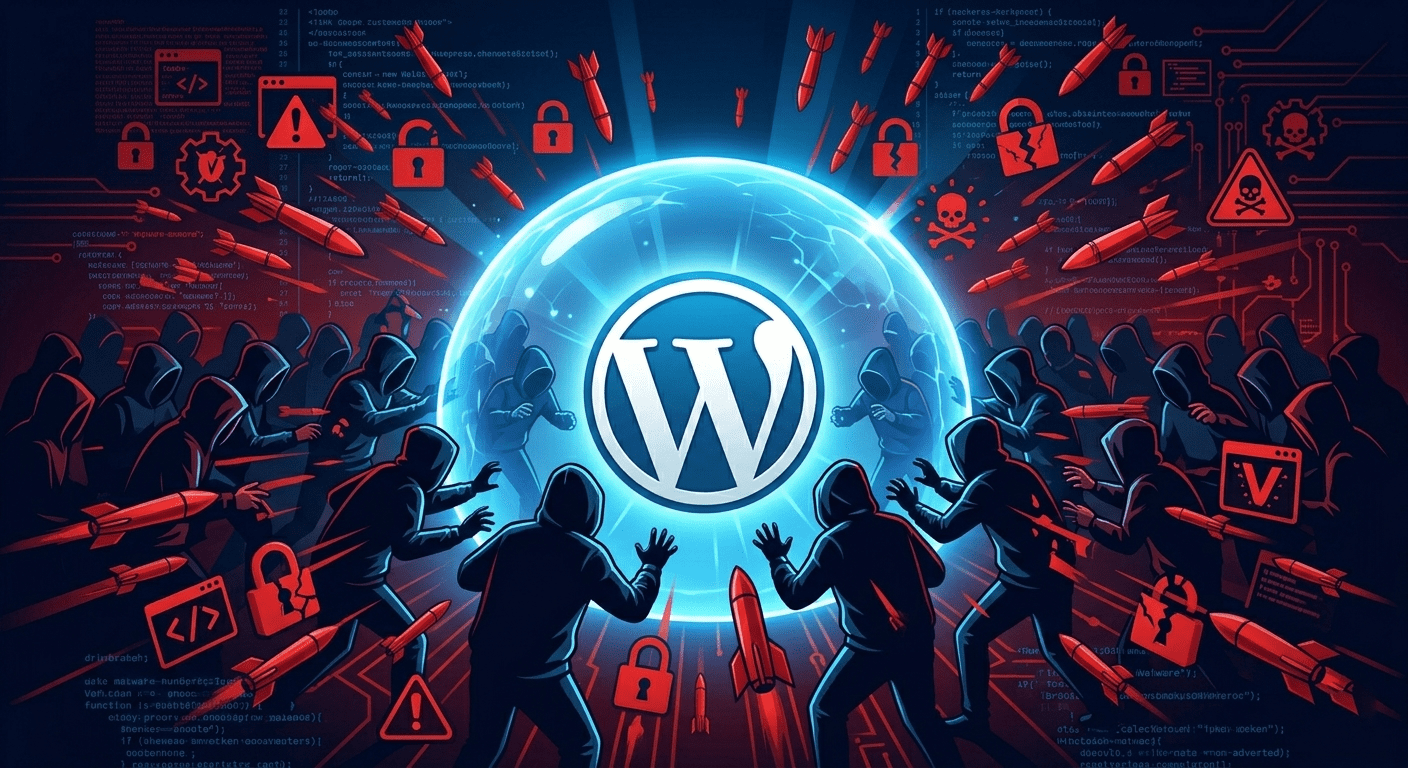
It is not that WordPress is inherently insecure. It is that its massive popularity makes it an irresistible, high-value target. Here is why:
WordPress powers 43% of all websites. This means that when a hacker discovers one vulnerability in a popular plugin, they can potentially exploit tens of thousands of sites simultaneously using automated bots. A single exploit script can be deployed against millions of WordPress sites at once. That is not a security flaw — it is a targeting opportunity.
There are over 60,000 plugins in the WordPress repository. Many are built by independent developers who may not maintain them actively after release. In 2025 alone, over 7,000 new WordPress plugin vulnerabilities were disclosed. Every outdated, abandoned, or poorly coded plugin on your site is an open door.
Unlike enterprise software managed by dedicated IT teams, most WordPress sites are run by small business owners, bloggers, and entrepreneurs who are experts in their field — not in cybersecurity. Hackers know that the average WordPress site owner does not know how to check for malware, configure a firewall, or perform a security audit. That makes them easy prey.
In 2026, AI-powered hacking tools have made it easier than ever for low-skill threat actors to launch sophisticated attacks. Bots automatically scan millions of sites, identify vulnerabilities, and execute exploits without any human intervention. Your site does not need to be specifically targeted — it just needs to be vulnerable when a bot finds it.
Hackers are not sitting at a keyboard manually trying to break into your site. Automated bots do the work 24 hours a day. Your site is being scanned right now. The question is whether it is hardened enough to resist.
This is the #1 cause of WordPress hacks in 2026. When a security vulnerability is discovered in a plugin, it is publicly disclosed in vulnerability databases. Hackers immediately scan for sites still running the vulnerable version. If your plugin has not been updated within days of a security patch, you are exposed. Common culprits: contact form plugins, SEO plugins, page builders, and WooCommerce extensions.
Bots systematically try thousands of username and password combinations on your WordPress login page every day. The default login URL (/wp-admin) is well-known, and weak credentials are cracked within minutes. In 2025, brute force attacks increased by 200% compared to the previous year, with Indian websites seeing a particularly sharp rise.
Once a hacker gains access, they often install hidden backdoors small code snippets that let them re-enter even after a cleanup. They also inject malware that can: redirect visitors to spam sites, steal customer data, send spam emails using your domain, mine cryptocurrency using your server, or display illegal content all without you knowing.
Poorly coded plugins and contact forms can allow attackers to inject malicious code directly into your WordPress database or execute scripts in visitors’ browsers. XSS attacks are particularly dangerous for e-commerce sites they can steal session cookies, hijack admin accounts, or capture payment information.
In 2026, AI tools enable attackers to craft highly convincing phishing emails that mimic WordPress update notifications, hosting provider alerts, or plugin developer communications. These emails trick site owners into entering their credentials on fake login pages, handing over full admin access.
Hackers have begun targeting plugin developers directly either buying abandoned popular plugins or compromising developer accounts to push malicious updates to thousands of sites at once. In 2025, several widely used WordPress plugins were compromised through supply chain attacks, affecting hundreds of thousands of websites before the issue was detected.
Many hacks go undetected for weeks or months. Watch for these red flags:
Do not attempt to fix a hacked WordPress site yourself without technical knowledge. You may remove visible symptoms while missing deeply embedded backdoors — and the hackers will simply return. Contact WPSupport immediately for a professional security audit and cleanup.
Security is not a one-time task it is an ongoing discipline. At WPSupport, we provide 24/7 managed WordPress security so you never have to think about it:
Our firewall sits in front of your website and filters all incoming traffic. It blocks known malicious IP addresses, prevents SQL injection and XSS attempts, stops brute force login attacks, and filters out bad bots before they ever reach your WordPress files.
We scan your entire WordPress installation daily core files, plugins, themes, and database for malware signatures, hidden backdoors, suspicious code injections, and unauthorized file changes. You receive a clean report every week.
Every plugin, theme, and core update is tested in a staging environment before being deployed to your live site. This eliminates both the security risk of outdated software and the downtime risk of incompatible updates the two biggest threats combined into one managed process.
Your complete site files and database is backed up daily and stored securely off-site. In the event of any compromise, we can restore your site to a clean, pre-hack state within hours. Our backups are encrypted and retained for 30 days.
We monitor your site around the clock. If your site goes down, a security anomaly is detected, or traffic patterns suggest an attack is underway, our team is alerted immediately often identifying and neutralising threats before you even notice them.
If your site is ever compromised while under our active management, we clean and restore it at no additional charge guaranteed. This is our commitment to every WPSupport client.
Most attacks are invisible to the naked eye. Your site can look and function perfectly while malware runs in the background. The only reliable way to know is through automated malware scanning and file integrity monitoring both of which are included in WPSupport’s maintenance plans.
Security plugins are a good starting point, but they have limitations. Free versions update slowly, lack expert oversight, and can give a false sense of security. Professional managed security combines tools with human expertise, proactive monitoring, and a guaranteed response something no plugin alone can provide.
Absolutely. Even a single outdated plugin with a known vulnerability is enough for an automated bot to exploit your site. The number of plugins matters less than whether each one is actively maintained, updated, and from a reputable developer.
A basic cleanup can take 4–24 hours for an experienced professional. However, if backdoors are deeply embedded, the database is compromised, or there is no clean backup available, full recovery can take several days with significant SEO recovery work needed afterward.
SSL (the HTTPS padlock) encrypts data in transit between the visitor and your server it does not protect your WordPress files from being hacked. SSL is necessary but it is just one layer of a comprehensive security strategy.
Yes even a simple informational website is valuable to hackers. They can use your server to send spam, host illegal content, conduct phishing, or redirect your visitors. Your size or niche does not determine your risk your security posture does.
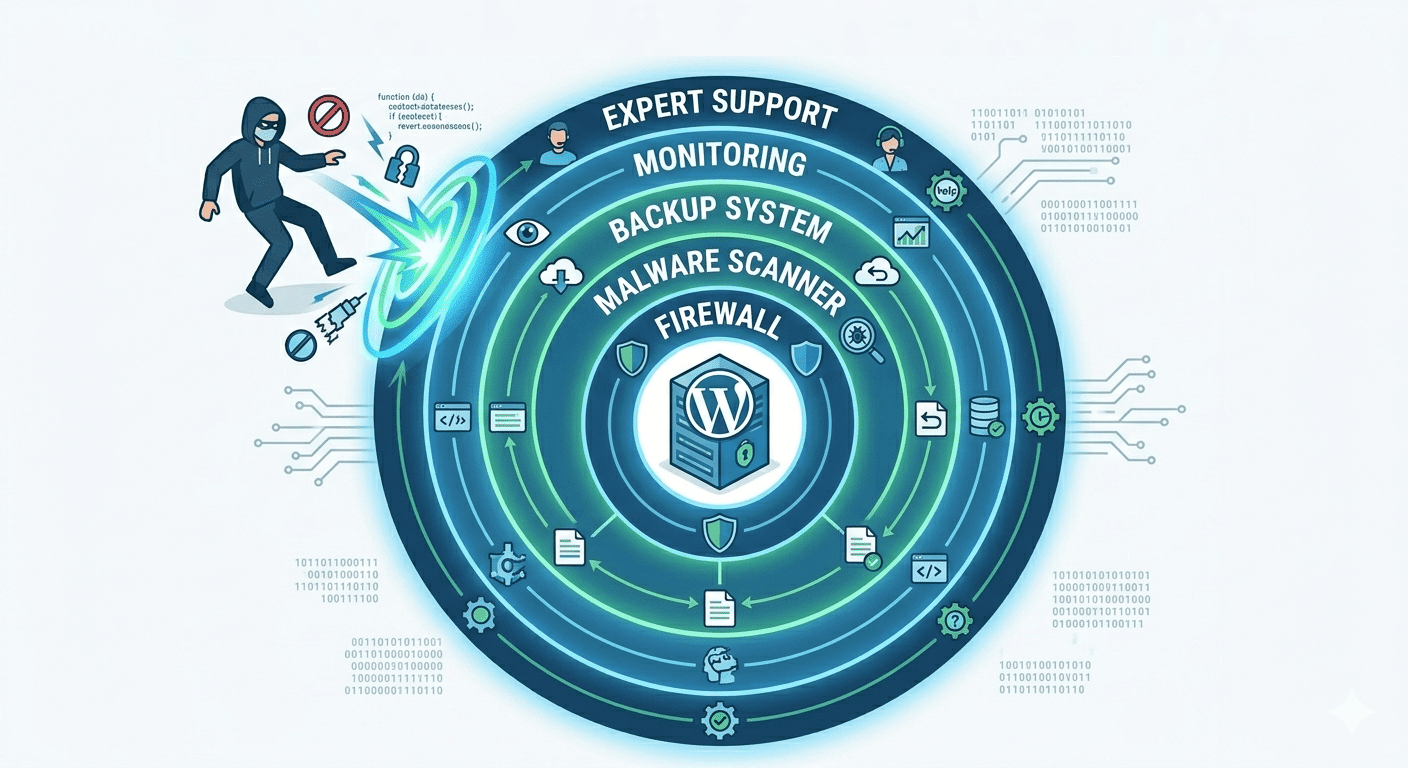
In 2026, the threat landscape is more sophisticated, more automated, and more aggressive than ever before. WordPress’s popularity is its greatest strength and its most exploited weakness.
The business owners who suffer devastating hacks are not necessarily careless — they simply did not have the right protection in place. And in most cases, they did not know what they were missing until it was too late.
The good news: comprehensive WordPress security does not have to be complicated, expensive, or something you manage yourself. With the right support partner, your site can be hardened, monitored, and protected 24/7 — while you focus entirely on running your business.
Not sure how secure your WordPress site is right now? WPSupport offers a free security assessment for new clients. We will scan your site, identify vulnerabilities, and give you a clear action plan — with no obligation. Visit wpsupport.website or call +91 9601970749 to book your free audit today.
support@wpsupprt.website
© 2026. All rights reserved. Terms & Conditions | Privacy Policy
Parent Company DreamCode Infotech
Legal Name Parth Vijaykumar Parikh