Home – Blog
Imagine waking up on a Monday morning, grabbing your coffee, and opening your laptop — only to find that your WordPress website is completely down. Customers can’t reach you. Sales have stopped. And your inbox is filling up with confused emails.
Sound like a nightmare? For thousands of WordPress site owners, it is a very real scenario — and in most cases, it was triggered by something as routine as a plugin update.
In this post, we break down exactly why updates are one of the biggest risks to your WordPress site, what happens when things go wrong, and how professional WordPress support keeps you protected 24/7.
WordPress powers over 43% of all websites on the internet. It is flexible, scalable, and packed with features but that power comes with complexity. Every WordPress site is built on three moving parts:
The average WordPress site uses 20–30 plugins. Each one is a potential point of conflict during any update cycle.
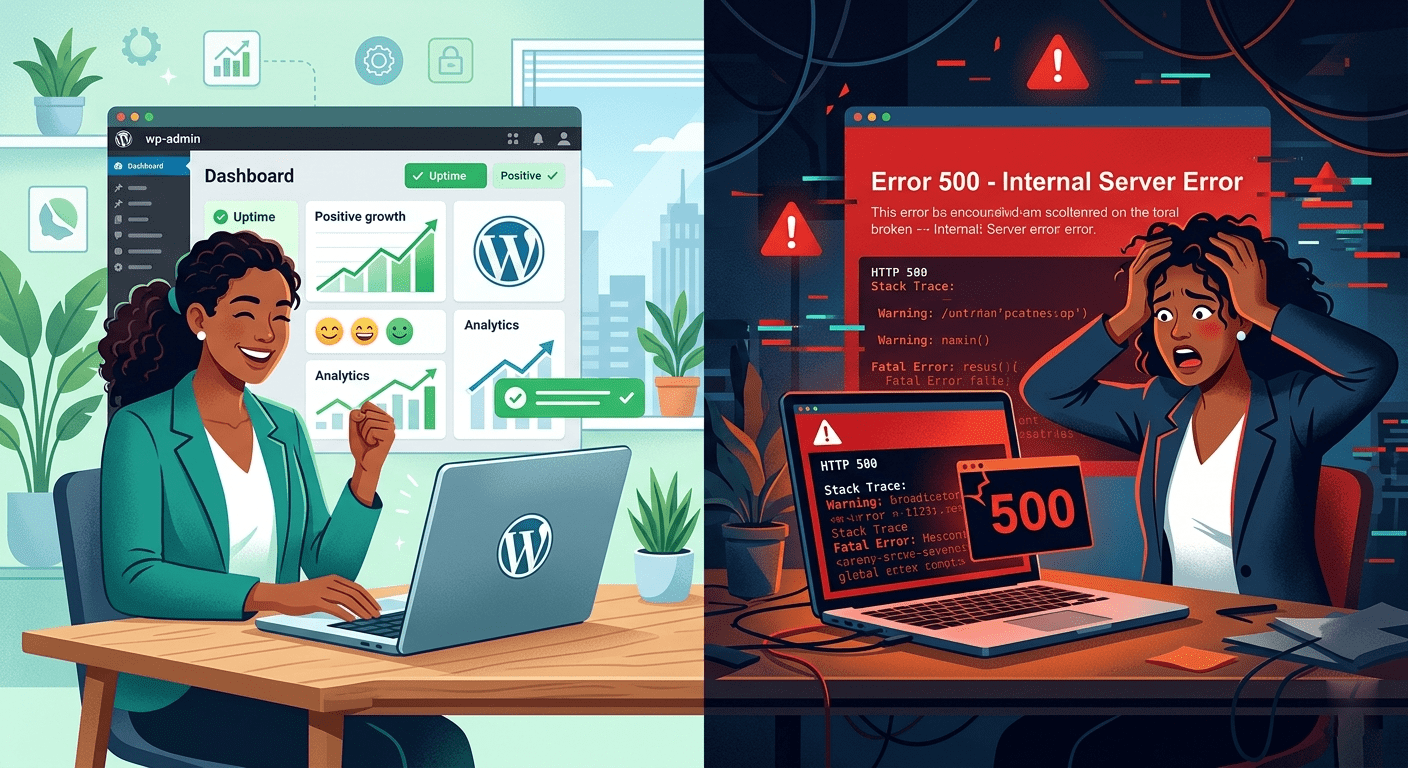
Updates are not optional. WordPress regularly releases updates for security patches, bug fixes, and new features. Plugin and theme developers do the same. Skipping updates leaves your site vulnerable to hackers. But installing updates without proper testing can be just as dangerous as skipping them.
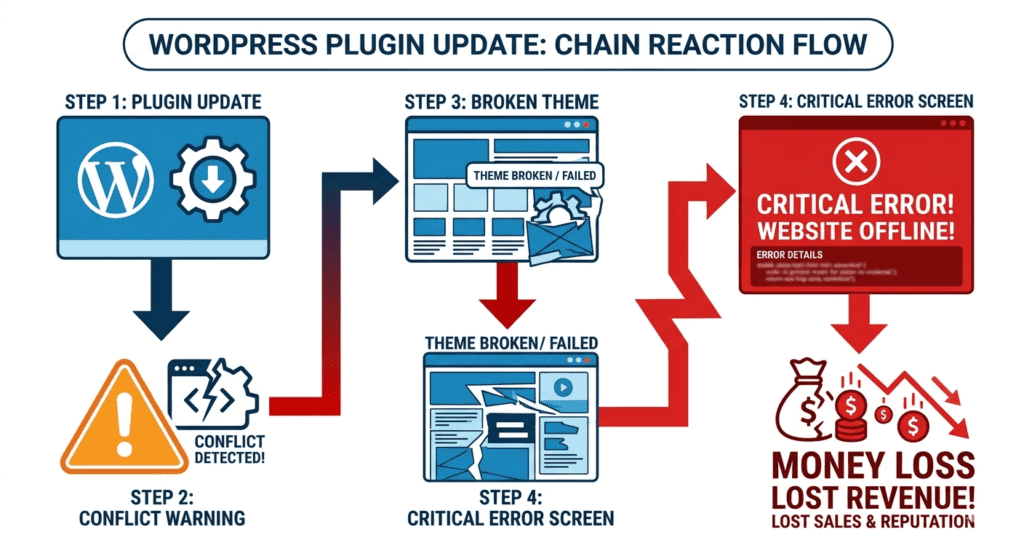
A WooCommerce store updated a payment gateway plugin. The new version conflicted with their checkout plugin. The checkout page broke silently. They didn't notice for 6 hours. Estimated lost revenue: over Rs. 80,000.
These carry the most risk. They often introduce new code standards that older plugins and themes have not yet adapted to. Running a major core update without testing is like changing the engine in a running car.
Each major WooCommerce update can affect payment gateways, shipping modules, product display, and checkout flows. A single failed update can stop all sales on your e-commerce site.
Ironically, security plugins like Wordfence can cause issues when updated — sometimes locking you out of your own admin panel or blocking legitimate traffic.
An update to Elementor or Divi can break custom layouts, collapse sections, or make pages render incorrectly — sometimes for visitors only, not the admin.
When your hosting provider upgrades PHP (e.g., from 7.4 to 8.1), older plugins built for previous PHP versions will throw fatal errors — behaving exactly like a bad update.
The moment your WordPress site goes offline, the clock starts ticking and the losses stack up fast:
If your website generates Rs. 50,000/month in revenue, even 12 hours of downtime could cost you Rs. 25,000+ — far more than a full year of professional WordPress maintenance.
Many business owners manage their own WordPress site — but the DIY approach has serious blind spots:
Professional WordPress support teams test updates on a staging environment first, create full backups, and only push updates live when everything is confirmed working. That is the difference between a smooth update and a catastrophic crash.
At WPSupport, we do not just click Update All and hope for the best. Our managed WordPress maintenance service follows a systematic, risk-free update process:
With WPSupport's monthly maintenance plan, your site is always up-to-date, always backed up, and always protected — without you lifting a finger.
Security patches should be applied as soon as they are released. Major core or plugin updates should be tested on staging first, then applied to live typically within 1–2 weeks of release.
Turning off auto-updates removes the immediate risk of a surprise crash but creates a bigger risk over time: unpatched security vulnerabilities. The right answer is not ‘no updates’ but ‘managed updates.’
Do not panic. Contact WPSupport immediately. Our team can restore your site from a backup, debug plugin conflicts, or manually roll back the problematic update usually within a few hours.
The average cost of recovering a hacked or crashed WordPress site ranges from Rs. 15,000 to Rs. 1,00,000+ depending on damage. A monthly maintenance plan costs a fraction of that and prevents the problem entirely.
Your WordPress site is one of your most valuable business assets. It is your storefront, your lead generator, and your brand’s first impression. Leaving it exposed to the risk of a bad update without professional oversight is a gamble no business owner should take.
Updates will always be necessary. But how you handle them determines whether your site thrives or crashes.
Join hundreds of business owners who trust WPSupport for fully managed WordPress maintenance. We handle every update, backup, and security check so you can focus on growing your business. Visit wpsupport.website to get started today
support@wpsupprt.website
© 2026. All rights reserved. Terms & Conditions | Privacy Policy
Parent Company DreamCode Infotech
Legal Name Parth Vijaykumar Parikh